
Home Depot Penny Items: The Complete Guide (2026)
Everything shoppers actually need to know about penny pricing at Home Depot: what it means, how it happens, and how to find it honestly.
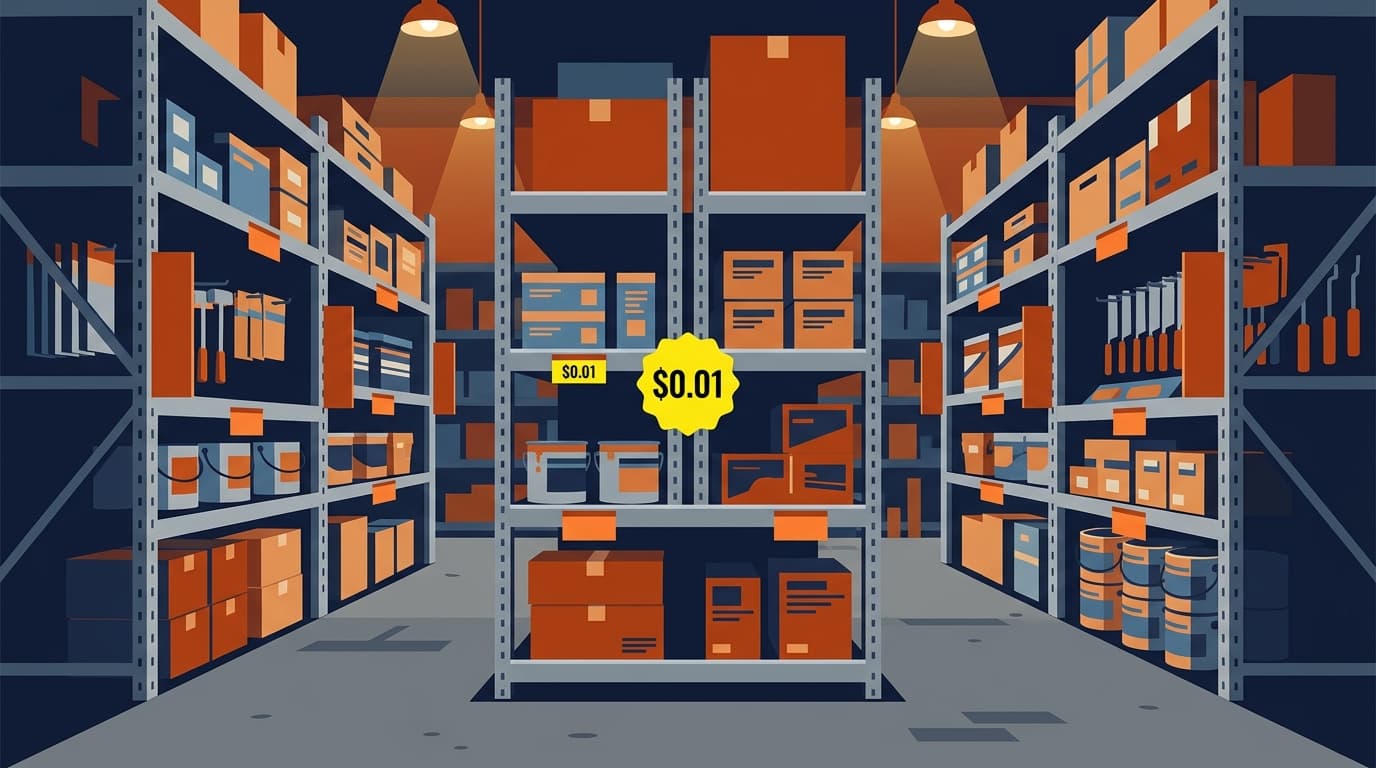
If you have spent any time in deal-hunting forums, you have seen the phrase “penny item” thrown around like a secret handshake. It sounds like a glitch or a hack. It is not. It is the tail end of a completely normal retail process, one that most shoppers never see because it is not meant to be advertised. This guide covers what penny items actually are, how they get that way, how people find them, what to realistically expect if you go looking, and which departments tend to produce the most of them.
None of this is secret knowledge Home Depot is hiding from customers. It is an operational detail of how large retailers manage aging inventory. Every big-box chain has some version of a “clear this out” price floor; Home Depot shoppers have just organized around watching for it more visibly than most.
What “penny items” actually means
A penny item is a product that has been marked down inside Home Depot's internal pricing system to $0.01. That price is not a promotion and it is not meant to be seen by customers at all. It is an internal signal to store employees that the item has reached the end of its markdown lifecycle and should be pulled from the shelf, removed from inventory, and processed as trash, donation, or a return, depending on the store's process.
The catch is that the register still knows the item as $0.01 until someone physically removes it and closes it out in the system. If it is still sitting on a shelf and a cashier scans it, it can ring up for a penny, because as far as the computer is concerned, that is the current price. Whether a cashier will actually complete that sale is a different question entirely, which we get into below.
This is not an official Home Depot program, there is no published list, and nobody at the company is going to confirm a penny price for you ahead of time. It is simply a byproduct of how markdown systems work at large retailers, and Home Depot shoppers have organized around watching for it.
How the markdown cycle typically works
Before an item ever gets near a penny, it usually goes through several stages. A simplified version looks like this:
- Full price. The item sells normally.
- First markdown. Slow movers, discontinued lines, seasonal overstock, or damaged-box returns get flagged into a clearance cycle and marked down a meaningful percentage.
- Further markdowns. If it still is not selling, the price steps down again, sometimes more than once, over the following weeks.
- Penny out. After enough time with no sale, the system drops it to $0.01 as the internal cue to clear it from the shelf entirely.
How long each stage lasts, and how many stages there are, varies by store, region, and category. Home Depot has never published an official cadence. Community reports commonly describe roughly multi-week windows between markdown stages, but treat that as a pattern people have noticed, not a rule the company has confirmed. If you want the deeper breakdown of the price-ending codes shoppers use to guess where an item sits in this cycle, see our companion guide to Home Depot clearance tag endings.
A few things typically trigger an item entering this cycle in the first place: a seasonal transition (patio furniture after summer, holiday decor after the new year), a planogram reset where a SKU is being discontinued or replaced by a newer model, or a damaged or open-box return that cannot be resold at full price. Appliances, tools, and seasonal goods tend to move through markdown more visibly than staple hardware, simply because staples rarely get discontinued outright.
How people actually find penny items
There is no single trick. It is mostly a combination of persistence and better information than the next shopper. In practice, that looks like:
- Walking the aisles and scanning. The shelf tag price and the register price are not always the same thing. Many regulars scan barcodes with the Home Depot app or a handheld scanner specifically to see what the item actually rings up as, rather than trusting the printed tag.
- Store employees pulling stock early. Associates often pull soon-to-be-penny items to the back before a customer ever sees them on the shelf, since that is part of their job during a markdown cycle. This is one of the biggest reasons penny items feel rare. A lot of them never reach the sales floor at all.
- Deal communities. Forums and Facebook groups share sightings, but by definition someone has to find it first before it gets posted, so these lists are almost always after the fact.
- Inventory-checker tools. Third-party price and stock checkers exist, but most of them only reflect the advertised clearance percentage, not the true register price, and Home Depot's own public inventory data is frequently out of date.
This is the gap myStoreAlert is built around: instead of waiting for someone else to stumble onto a penny item and post about it after the fact, we scan store-level pricing for your specific store daily and surface items as they move through markdown, so you are working from current information instead of last week's Facebook thread.
Which departments tend to produce more penny items
No department is off-limits, but some produce noticeably more markdown activity than others:
- Seasonal and garden. Patio furniture, grills, holiday decor, and live goods move through steep, fast markdowns because the selling window is short and unsold stock has to go somewhere.
- Paint. Mis-tinted cans and discontinued color lines get cleared out regularly and are easy to spot on a dedicated clearance shelf near the paint desk.
- Appliances and tools. Floor models, open-box returns, and models being replaced by a newer version cycle through markdown on a predictable-ish schedule tied to new product launches.
- Damaged or returned goods. Anything that came back with a torn box or missing a manual often gets a fast markdown rather than being restocked at full price.
Etiquette and the reality check
Before you build a whole shopping strategy around penny hunting, adjust your expectations. A few realities that trip people up:
- It varies wildly by store. One location's front end might sell penny items without a second thought, while the store fifteen minutes away refuses outright and always has. There is no consistent, company-wide policy that shoppers can rely on.
- There are no rainchecks. If the item is gone by the time you get there, or an employee already pulled it, that is the end of it. Nobody owes you a replacement or a raincheck on a penny price.
- Don't argue with staff. Cashiers and department associates usually do not set store policy on this, and arguing rarely changes the outcome. It just makes the next shopper's experience worse. A cashier or manager can decline the sale, override the price, or ring it differently, entirely at their discretion.
- Be a good customer, not just a penny hunter. Being polite, quick, and willing to buy other things goes a long way toward staff being willing to work with you.
Practical tips
- Scan shelf tags rather than trusting the printed price. The register price is what actually governs the sale.
- Check clearance end-caps, overhead stock shelving, and areas near returns or damaged-goods processing, not just the marked-down clearance aisle.
- Weekday mornings tend to be better than weekends: shelves are less picked-over and overnight stocking or markdown runs have often just finished.
- Spread your attention across departments. Markdown waves happen in seasonal, garden, tools, hardware, paint, and more, not just one aisle.
- Getting to know department associates, briefly and respectfully, often tells you more than any app will.
Honest caveats
Penny pricing is never guaranteed. Prices can be corrected, refused, or pulled from the shelf before you get there, and inventory counts drift. The system does not always match what is physically on the shelf in real time. A store's point-of-sale system might still list a quantity as “in stock” long after the last unit left the building, and a markdown that looked like it was headed toward a penny can just as easily get pulled back up if a manager decides to hold it, get returned to a normal clearance percentage, or simply sell out to another shopper first. Treat every tip in this guide, including ours, as a way to improve your odds, not a promise of what you will find. If you want a system-level comparison of how different tools try to close that information gap, see our BrickSeek alternatives for Home Depot clearance breakdown.
The most reliable way to think about penny hunting is as a bonus on top of a normal shopping trip, not a strategy you build your whole week around. The shoppers who do best at it tend to be the ones who are already going to a store regularly for other reasons and simply keep an eye out, rather than driving across town chasing a single rumored item.
Frequently asked questions
Is it illegal or against policy to buy penny items?
No. If a cashier chooses to complete the sale at the price the register shows, that is a normal transaction. Whether a given store chooses to allow that sale is entirely up to that store, and staff are free to decline.
Can I ask an employee to check if something is a penny item?
You can ask, but do not expect an answer. Many associates are not supposed to disclose pending markdowns, and putting someone on the spot rarely works in your favor. Scanning the tag yourself at checkout or with the app is a better use of your time.
Do penny items show up online?
Rarely, and not reliably. Penny pricing is a shelf-level, in-store phenomenon tied to a specific location's physical inventory, not something reflected in homedepot.com's online pricing.
Where myStoreAlert fits
Penny hunting rewards whoever has the freshest information. myStoreAlert scans real Home Depot pricing for your specific store every day and keeps that store's current list on your member dashboard as items move through clearance, so you are not relying on a stranger's post from last week. It is not a guarantee anything will be there when you arrive, but it is a real edge over walking in cold.
Start your free 7-day trial and see what shows up for your store.